Selling access to video
Upload lessons to us, close them behind a subscription, and know what this protection cannot do.
The Video block takes a recording from two places: your own video uploaded to us, or a link to VK Video, Rutube, Dzen or YouTube. Only the first works for a paid course. A file link is saved by anyone in one click, and a video host shows the recording to everyone who has the link — payment has nothing to do with it. And crucially, the link itself is not hidden. An app hands its data to the browser in full, so the address of a recording is visible to anyone who opens the app, even when the lesson screen is behind a condition. A condition hides the block on the screen, not the address inside the data.
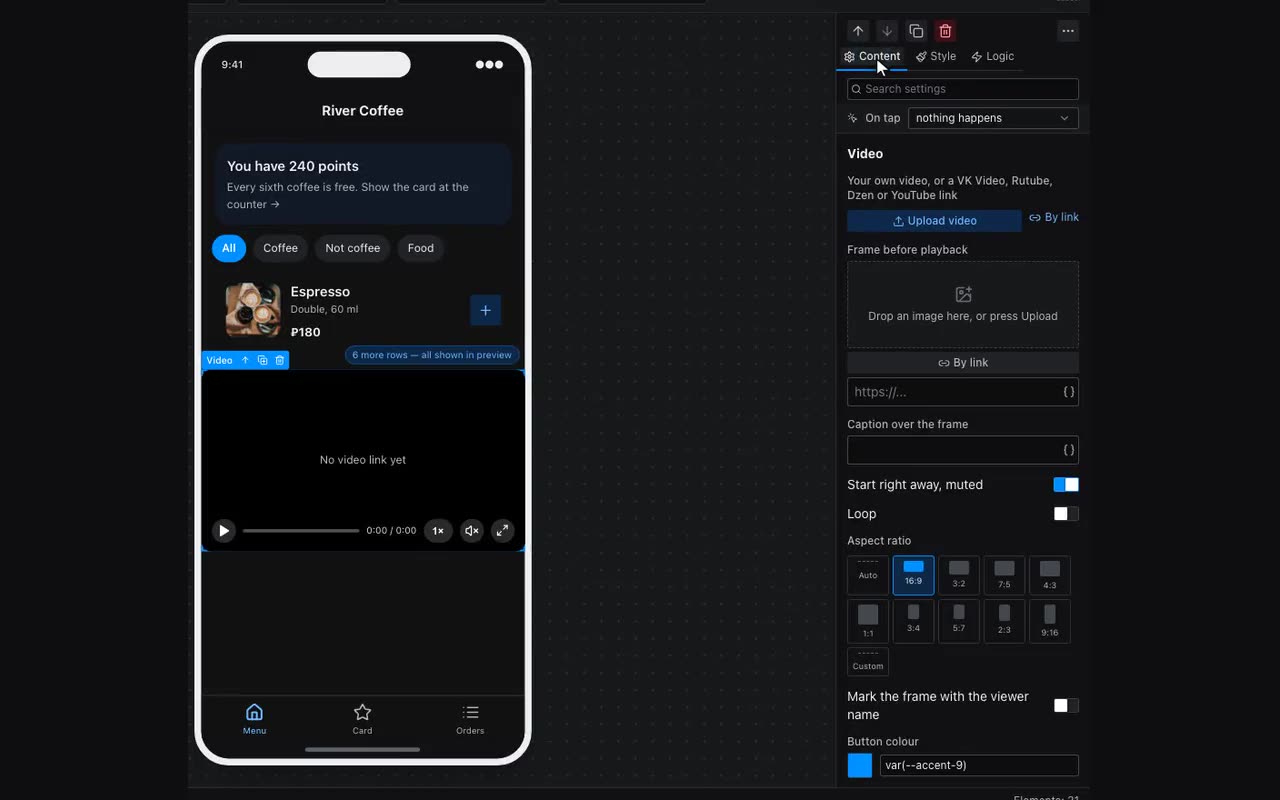
The upload goes in parts, so a dropped connection does not kill it: come back to the editor and it continues where it stopped. After that the video is processed — seconds to a couple of minutes — and the card says so in words. While it is processing there is nothing to show, and the app says “the video is being processed” instead of showing a black frame.
On the same card there is Who can watch. Three options: anyone who opens the app; until the date in a column; if a column has anything in it. The second and third look into the people table — the one marked “one row per visitor” — and answer “what is recorded about THIS person”. An ordinary table cannot answer that, so it is not offered.
Video is not limited to a block property: a table column has a Video type with the same card. That is how a course with twenty lessons is built — the lessons are rows, they share one screen, and the player on it is bound to {{item.video}}. Twenty screens for twenty recordings are not needed.
A subscription is built from this: an “access until” column in the people table, and payment moves the date forward. Access does not need revoking — it ends by itself when the date passes.
- On the payment button choose “Take payment” and set the amount.
- In the same place press “Extend access after payment”: a one-row-per-visitor table, the date column, and the number of days.
- Use the same column the video’s own access rule names — otherwise payment moves a date nobody checks.
From there it happens by itself. The date is counted from the later of two — today, or the date already standing — so buying a second month early does not burn the rest of the first. Three days before it ends, your bot reminds the buyer to renew: the same bot that confirms the payment. And the Payments window lists, at the bottom, whose access ends within the month.