Your password and phone number
Both change from the account menu. A new number is confirmed in the messenger, the way it was at sign-up.
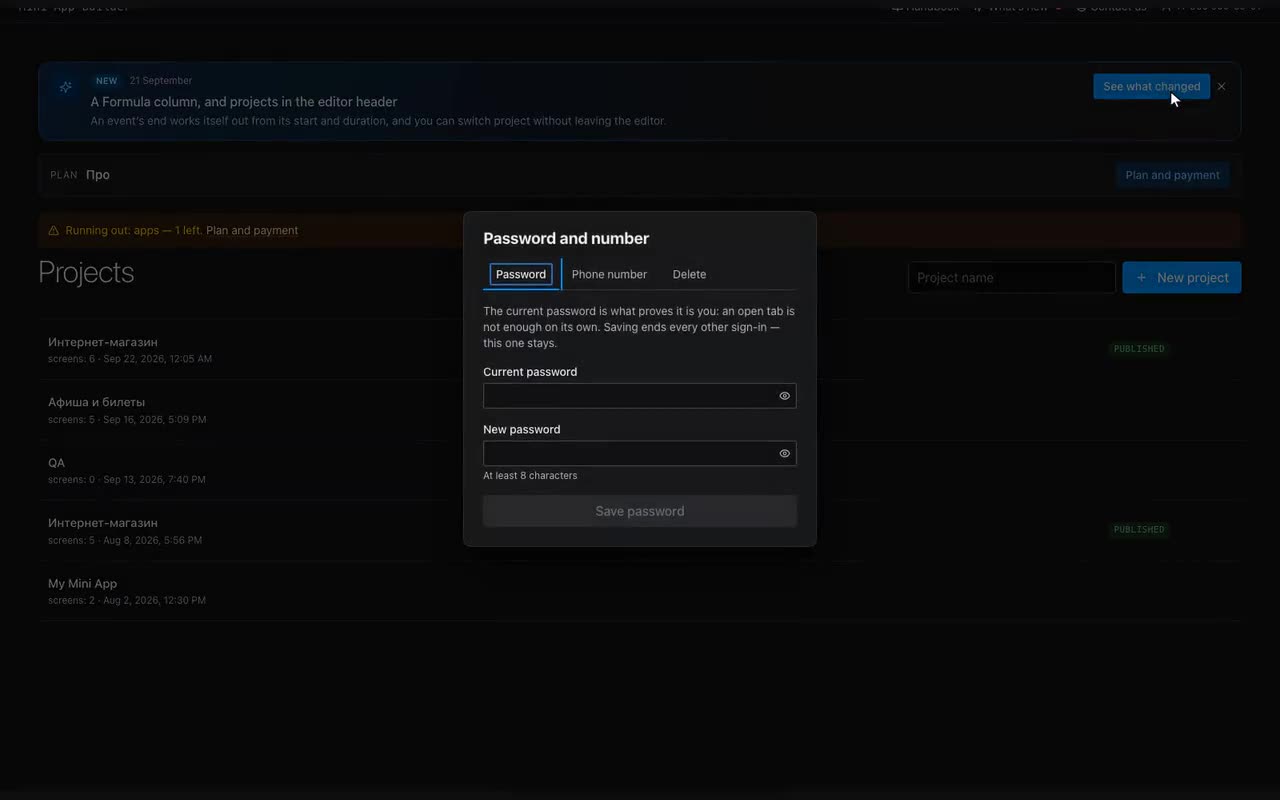
Where: The account menu (your number, top right) → “Account”, with the same number next to it.
Password. Type the current one and the new one — that is all. The current one is asked for a reason: a session says whose account this is, not who is at the keyboard. Saving ends every other sign-in; this one stays.
Number. Enter the new one, pick the messenger it lives in, confirm with your password. From there it is sign-up again: the bot opens, you press “Share number” from the account that owns the new number, and the page carries on by itself. Confirmed on a phone with the tab closed? Type the code the bot sent.
Apps, the subscription, submissions and statistics all stay where they are: they hang off the account, not off the number.
Forgotten password is not a locked door. On the sign-in screen type your number and press “Forgot your password?” (or “Sign in with the bot”, if you simply do not feel like typing a password). The bot opens, and there you press “Share my number”. It is not a menu command: the button appears in the chat itself, under the message box — on a computer it hides behind the keyboard icon beside it. Cannot see it? Write anything to the bot and it shows up again.