Where your project lives
The project saves itself. The published app only updates when you press the button.
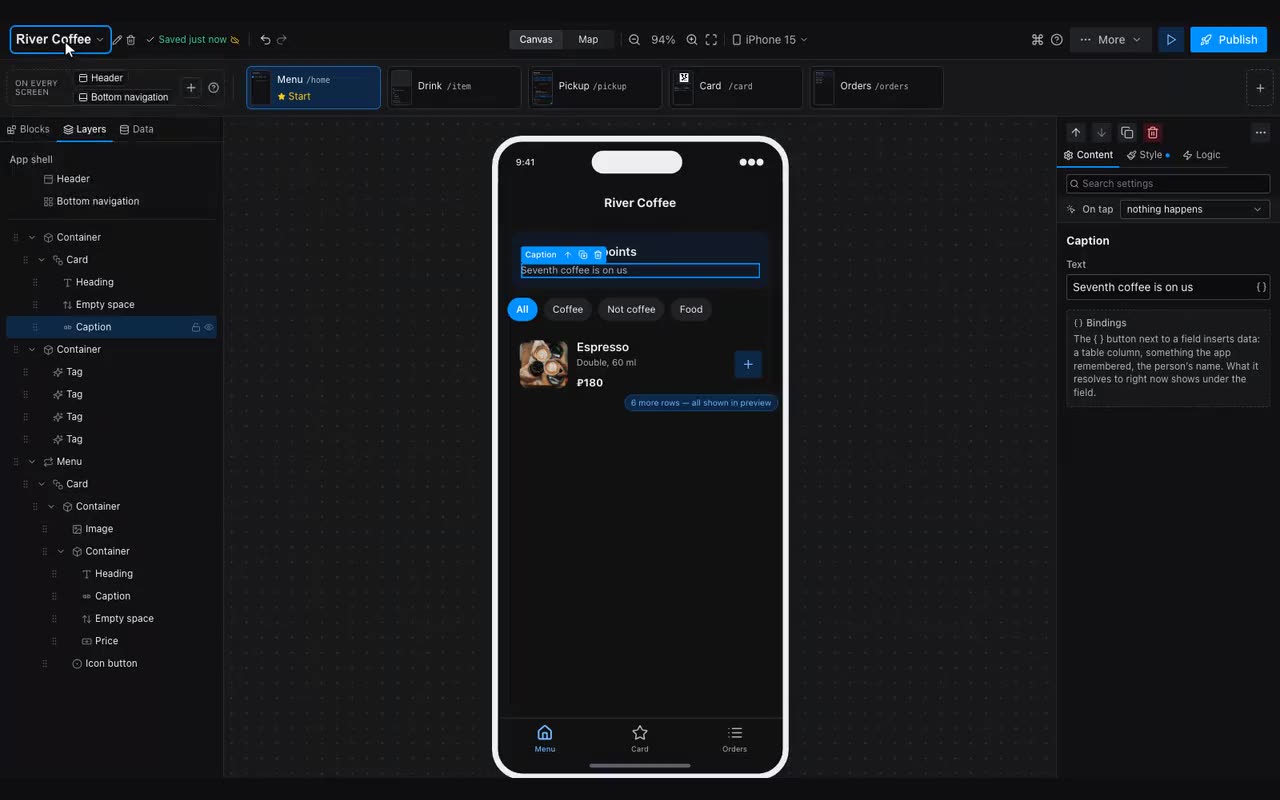
Edits save themselves — the indicator next to the project name shows when that last happened. Until you sign in, the project lives only in this browser: clear your history and it is gone. Once you sign in it is stored on our side and opens from any device.
Other projects are under the open one’s name. Tap the name in the header and a list of projects opens, each with a mark — two blue ticks if the app is published, a red cross if not. The same list has New project, Pick a ready-made app and All projects — the screen where projects are searched, unpublished and deleted. Next to the name are a pencil (rename), an arrow (open the published app) and a bin (delete the project).
If you edited the same project in two places, the editor tells you a newer version exists on the server and offers to load it. It will not silently overwrite the other edit.