Actions: when and what
What happens on tap, when a screen opens, or when a field changes.
Where: Properties on the right → the Logic tab → Actions.
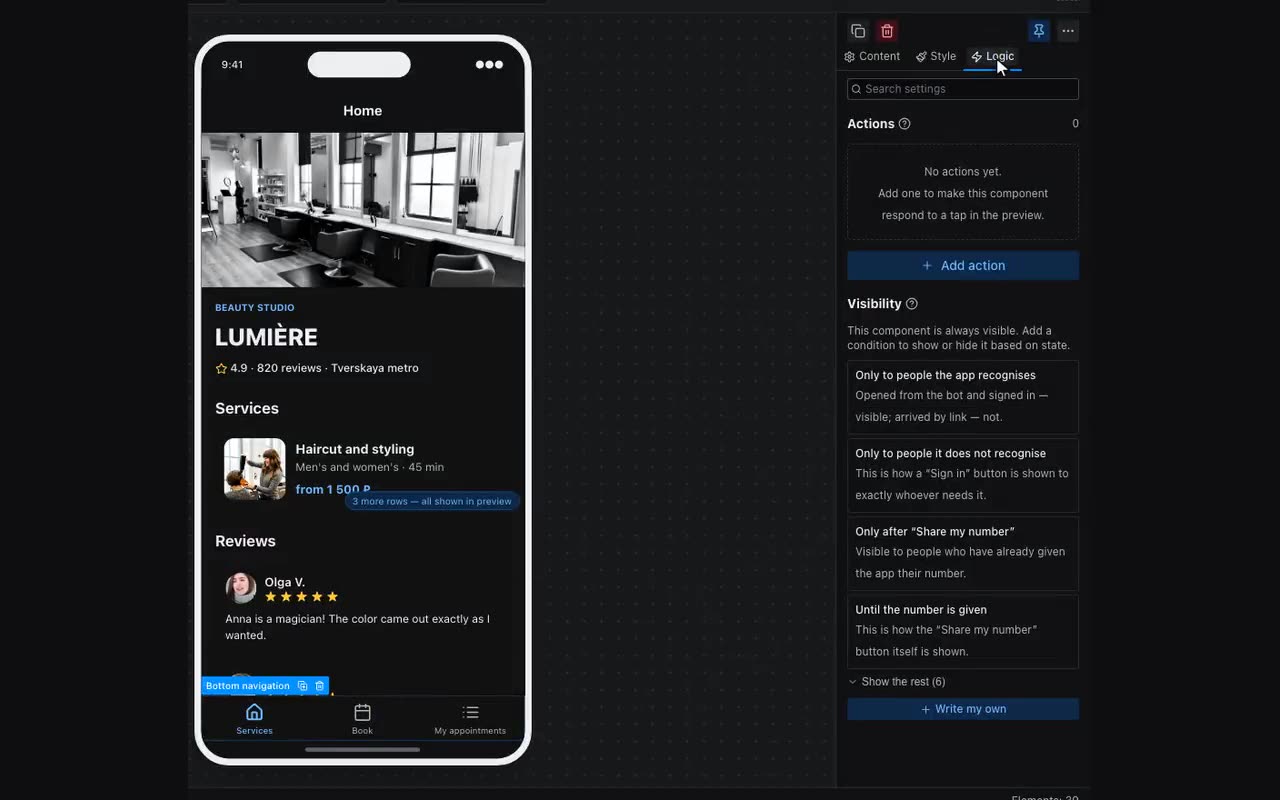
An action has two halves: when (tap, screen open, change) and what to do. A component can carry several, and they run top to bottom — reorder them with the arrows.
The order usually is the point. A typical chain on a card in a list:
- Remember — the tapped row;
- Navigate to screen — open the details.
Right-click a component to copy its logic and paste it onto another — actions and visibility conditions together.