Every action, listed
What an app can do: navigation, messages, data, payments, Telegram.
| Action | What it does |
|---|---|
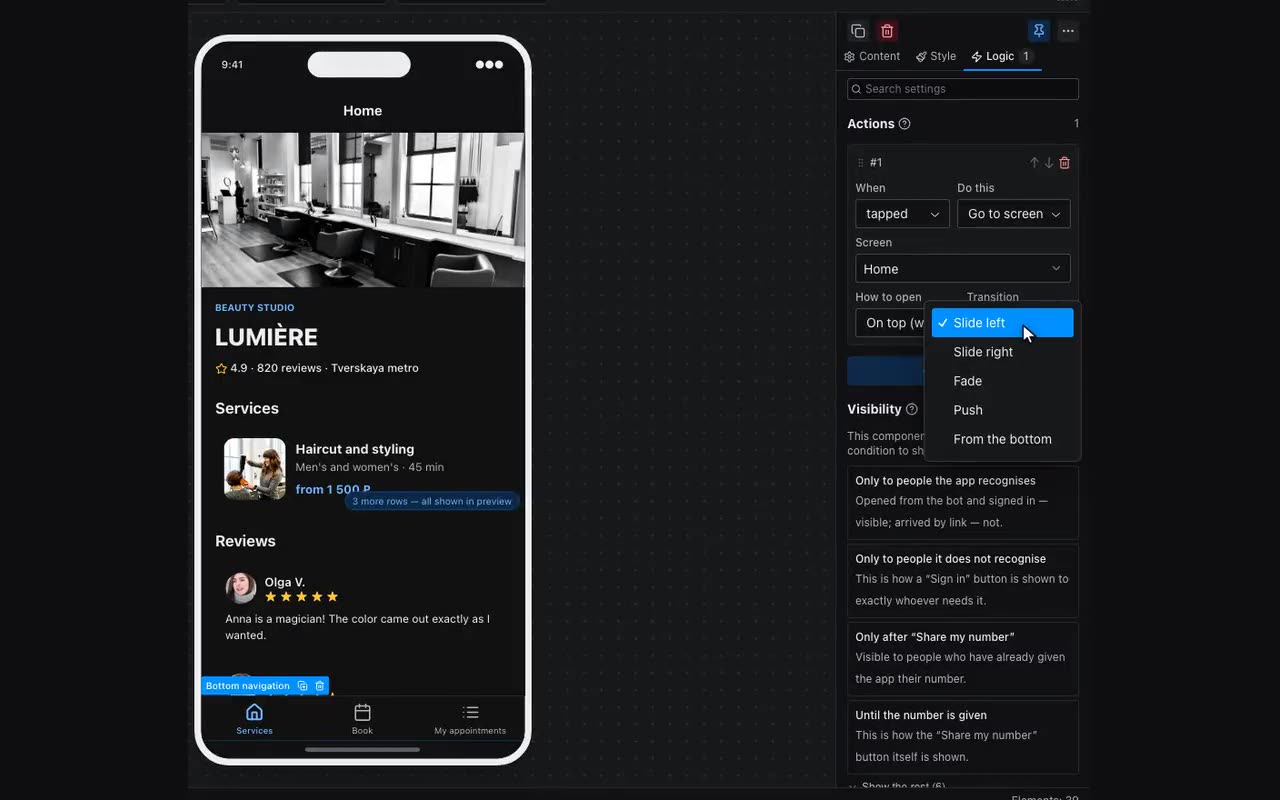
| Navigate to screen | Opens a screen: over (with back) or replacing, with the chosen transition. |
| Back | To the previous screen. Nothing to configure. |
| Scroll to top | Smoothly returns the current screen to the top without leaving it. Nothing to configure. For a button that appears only after scrolling, use a visibility condition: “Scrolled, px” → “after” → 300. |
| Open link | An external address — a site, a map, a document. |
| Add to calendar | Hands over an event as a file the phone puts into its own calendar. The date as your table stores it: 2026-08-12 or 2026-08-12T19:00; if the day and the hour sit in different columns, write them with a space. With no time it takes the whole day, with no end — an hour. The time is local, the one printed on the poster. |
| Open Telegram link | A chat, channel or bot inside the messenger. |
| Show alert · Show confirm · Show popup | The messenger’s native dialogs. The popup takes a title, a message and its own buttons. |
| Show a popup panel · Close the popup panel | Your own panel with your own blocks — the Popup block under Navigation. Close with nothing picked closes whichever is open. |
| Show toast | A floating notice: success, error or neutral. |
| Haptic feedback | Light, medium, heavy, rigid, soft. |
| Switch the app theme | Light, dark, “toggle” or “follow the messenger again”. The visitor’s choice is remembered and survives a reload, and colours with a light/dark pair switch along with it. The Theme switch block does the same and also shows which theme is on. |
| Remember | Stores a value outright: the chosen row, a category, a step. |
| Clear a variable | Empties a variable: take an uploaded picture out of a form, reset a choice. After it the “is empty” condition holds, and a picture with that variable as its source disappears. |
| Add to list · Remove from list · Clear list | A list in the app memory: it lives until the app closes. For a cart or favorites use a table with “Everyone writes their own” — that survives a reload. |
| Add a record · Edit a record · Remove a record · Clear my records | Edits the app’s data. Permission is checked on the server. Clear my records removes only what the visitor wrote to themselves — this is how a placed order empties the cart. |
| Fill form from row | Spreads a row across form fields — the edit screen opens pre-filled. |
| Submit form | Validates the fields and sends the submission; by default to you in Telegram. What was picked by tapping can be added to what was typed — see “Add to the request”. |
| Take payment | A payment through your own merchant account. The amount can come from a table. |
| Open invoice | An invoice link your bot created via createInvoiceLink. |
| Ask for phone | The messenger shows the consent dialog itself — both Telegram and MAX; the number lands in {{user.phone}} and reaches you as a “Phone” submission. Put it on an ordinary button (“Leave your number”) — it needs no settings. Visibility conditions then build on the number: show the button while user.phone is empty, show what comes next once it is set. In the editor there is nobody to ask, so a tap fills in a sample number and shows you that next step; inside Telegram and MAX the messenger draws the dialog, and in a plain browser the button says plainly that a messenger is required. |
| Scan QR | Opens the camera; the app remembers the result. |
| Copy text · Share | The clipboard and the system share sheet. |
| Track goal | Counts an event in your statistics: “tapped Order”. Anonymously. |