The Telegram header and full screen
The messenger header in the app’s colour, with no seam — or the app across the whole phone screen.
Where: More → App settings → Telegram header and Full phone screen.
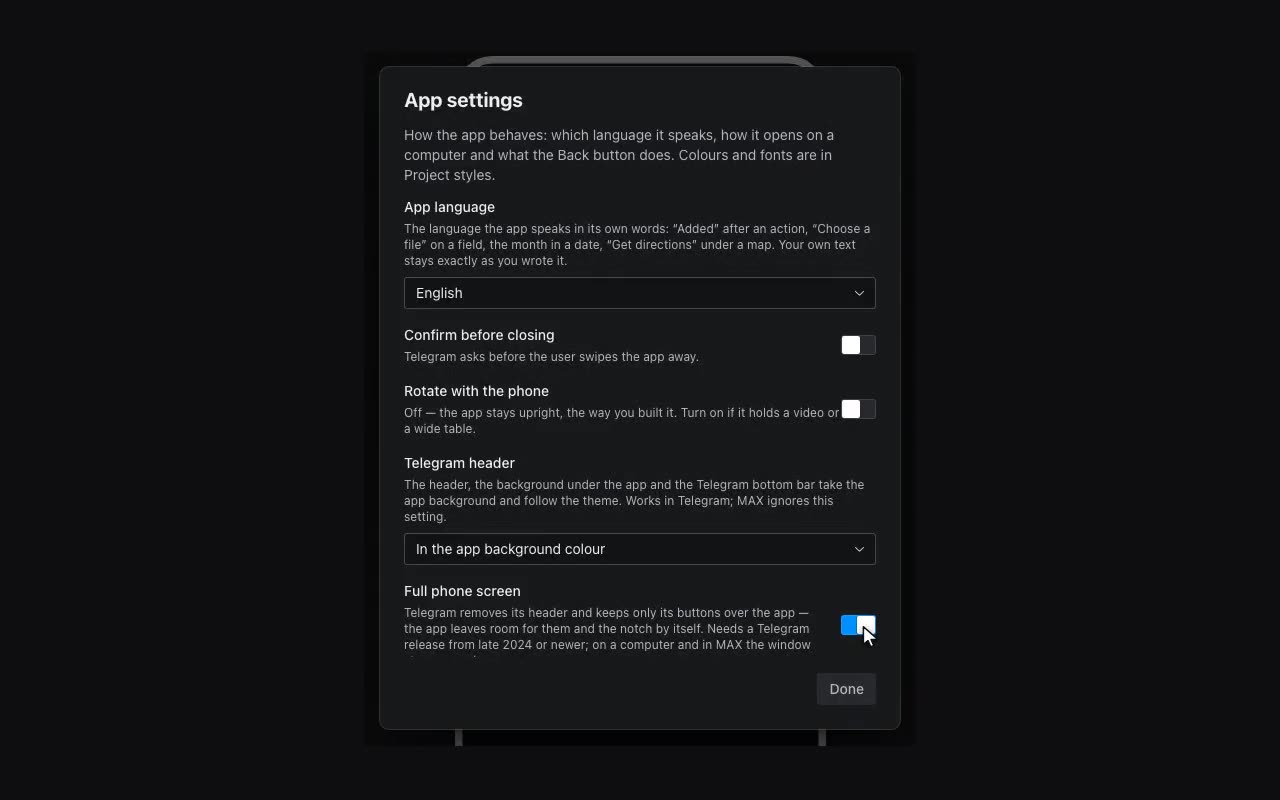
Telegram draws its own header above the app — the title and buttons — in its theme colours. If the app has a background of its own, there is a seam between that header and the first screen. Telegram header → In the app background colour removes it: the header, the area under the app and Telegram’s bottom bar take the app’s background and repaint with the theme when the visitor switches it. “In Telegram colours” is the old behaviour.
Full phone screen asks Telegram to drop its header altogether: only its buttons stay, floating over the app, and the app leaves room for them and for the camera cut-out by itself. This is for a full-screen cover, a game, a player. It needs Telegram from late 2024 or newer; on a computer the window stays as it is.