Shape and shadows for the whole app
Corner rounding and the shade of grey, one choice for the whole app. Shadows that do not muddy dark mode.
Where: More → Project styles → the Shape tab. A single block’s shadow: Style → Effects → Shadow.
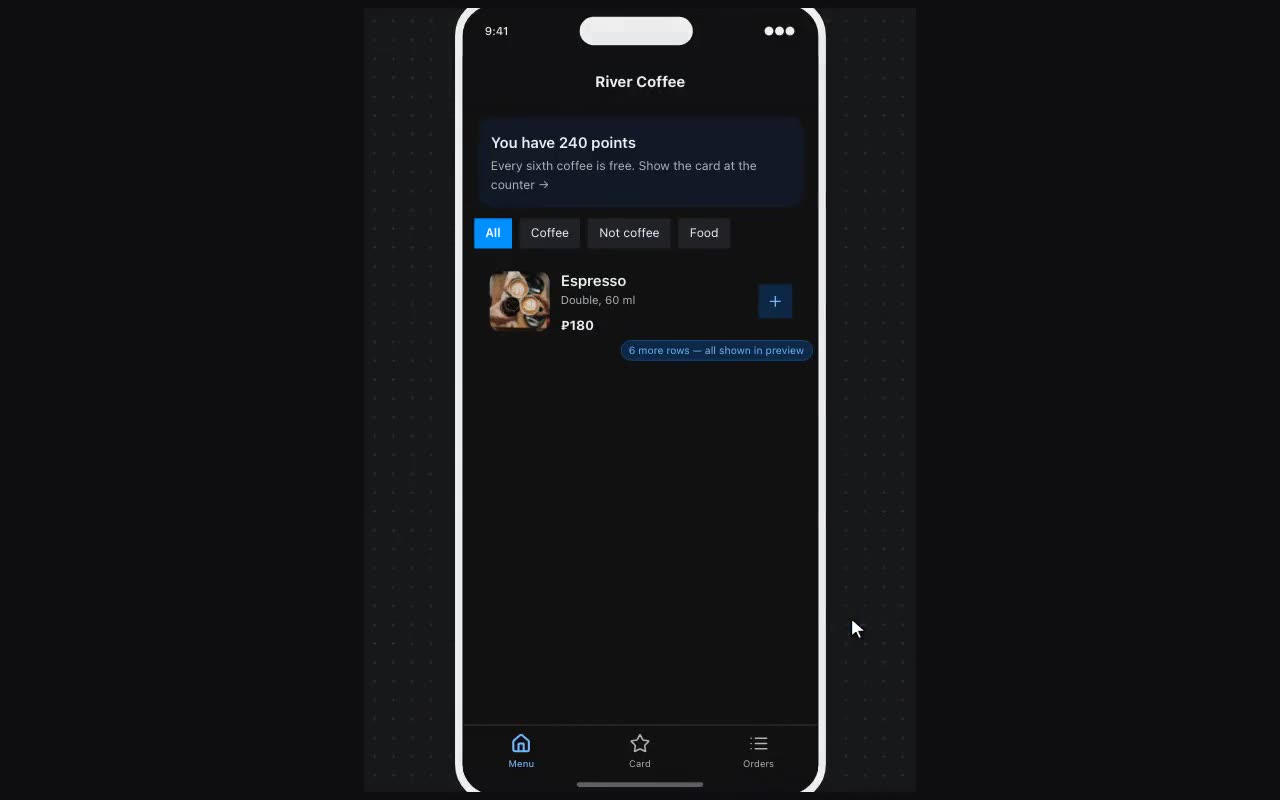
Corner radius sets the corners for the whole app: Square, Small, Medium, Large, Full. It is the default for cards, buttons, inputs and tags — a lawyer’s strict app and a coffee shop’s soft one differ in this more than in anything else. “As before” keeps the old look.
Neutral colors is the shade of the greys: borders, surfaces, captions. Slate leans blue, Sand leans warm, with Pure gray, Mauve, Sage and Olive in between. Greys are on every screen, and warm greys next to coffee brown look intended rather than accidental.
Shadows. Effects on a block offers four ready ones: Small, Medium, Large, Extra large. They take their tint from the app’s text colour and soften in dark mode — where a shadow used to come out as a dirty smudge. For your own, pick Custom: Offset X, Offset Y, Blur, Spread, Shadow color and “Inside the block” for a pressed-in button.