Two buttons in Telegram
The in-chat menu button attaches itself. The Open button on the bot’s profile is BotFather only.
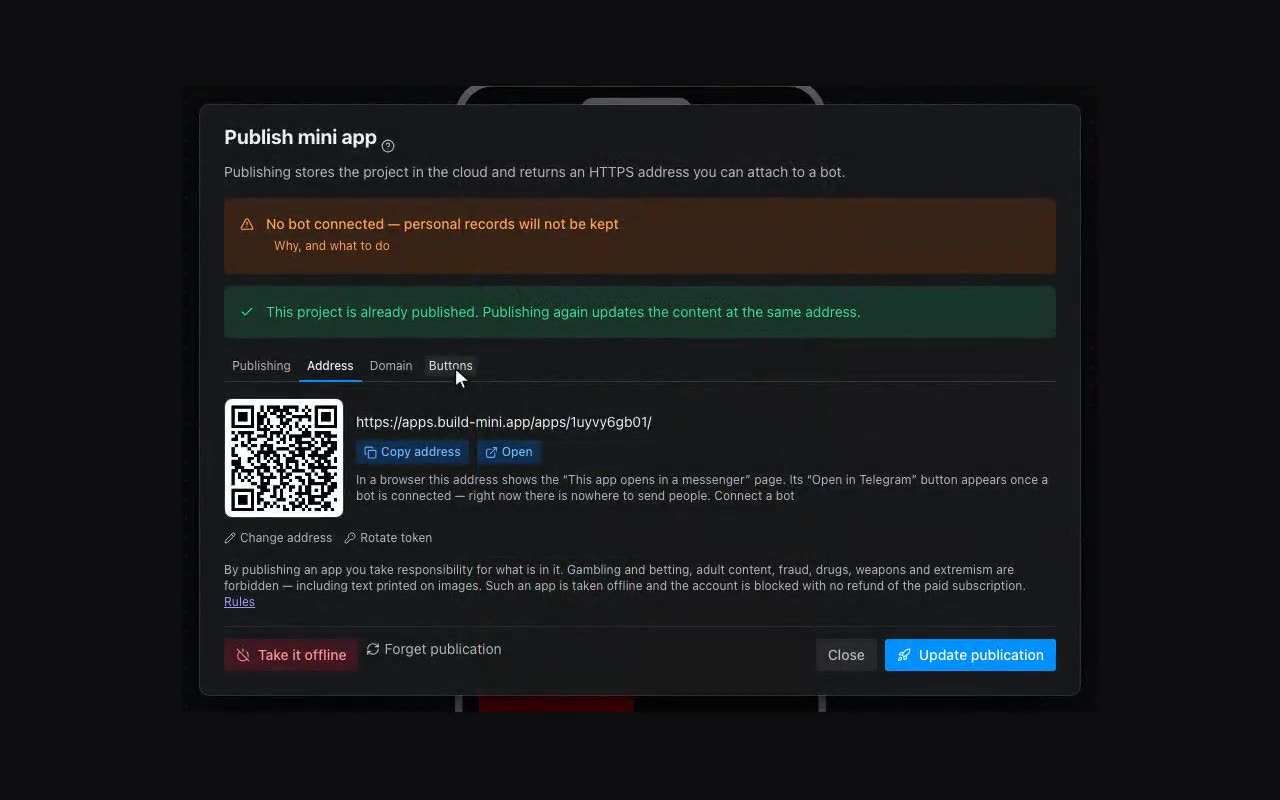
There are two buttons, they are different, and mixing them up is unpleasant: you set one up, go check the other and conclude nothing works.
- The menu button inside the chat with the bot — publishing attaches this one for you. Its label is set in the publish dialog.
- The Open button on the bot’s profile card and next to it in the chat list — this one exists only in @BotFather: the Bot API has no method for it.
An account has one bot, and that bot has one menu button: whichever app you point it at, the previous one loses it. So when you publish a second app, the publish dialog shows where the button leads right now and leaves it alone until you tick “Point the button at this app”. An app without the button is not lost — it opens by its own address and by any link you send.
- Open @BotFather, send
/mybotsand pick your bot. - Bot Settings → Configure Mini App.
- Enable Mini App → paste the app address (the publish dialog has a Copy address button).