Checking your work: preview and phone
Preview behaves for real: navigation, forms, cart. Check on a phone — that is where the app will be opened.
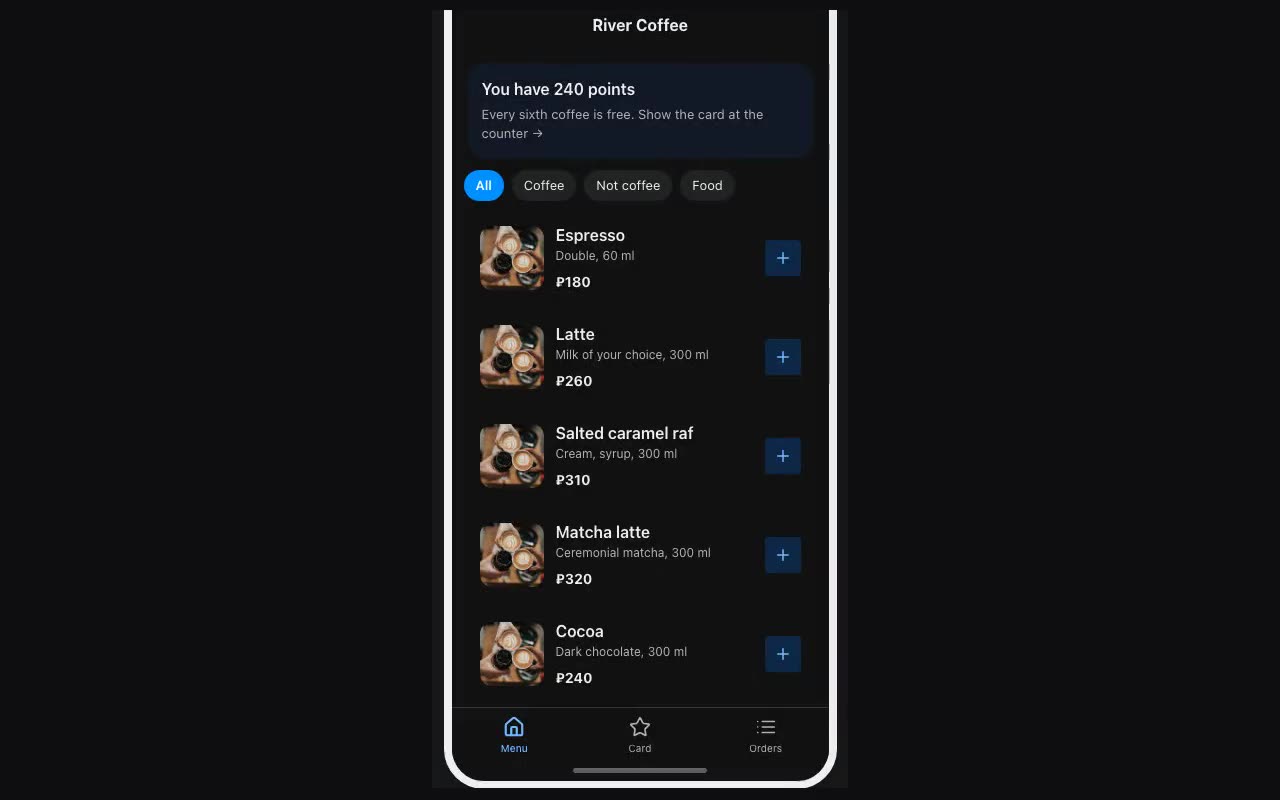
The Preview button at the top (⌘P) opens the app the way a visitor sees it. It is not a mockup: navigation fires, fields accept input, lists filter, the cart adds up.
What preview does not do: submitting a form sends nothing — it shows what the submission would contain instead. Payments and writing rows to a table likewise only work in the published app.
Where: More → QR for phone: scan the code with your camera and preview opens in the phone’s browser. Most of your visitors arrive from a phone, so that is where the layout should be judged.