The app’s QR code
A code for your window, card or table — and a separate one for previewing on a phone.
In the publish dialog, on the Address tab, a QR code sits next to the address. Print it on a card, a window sticker or a table tent: someone points a camera and lands in your app through your bot.
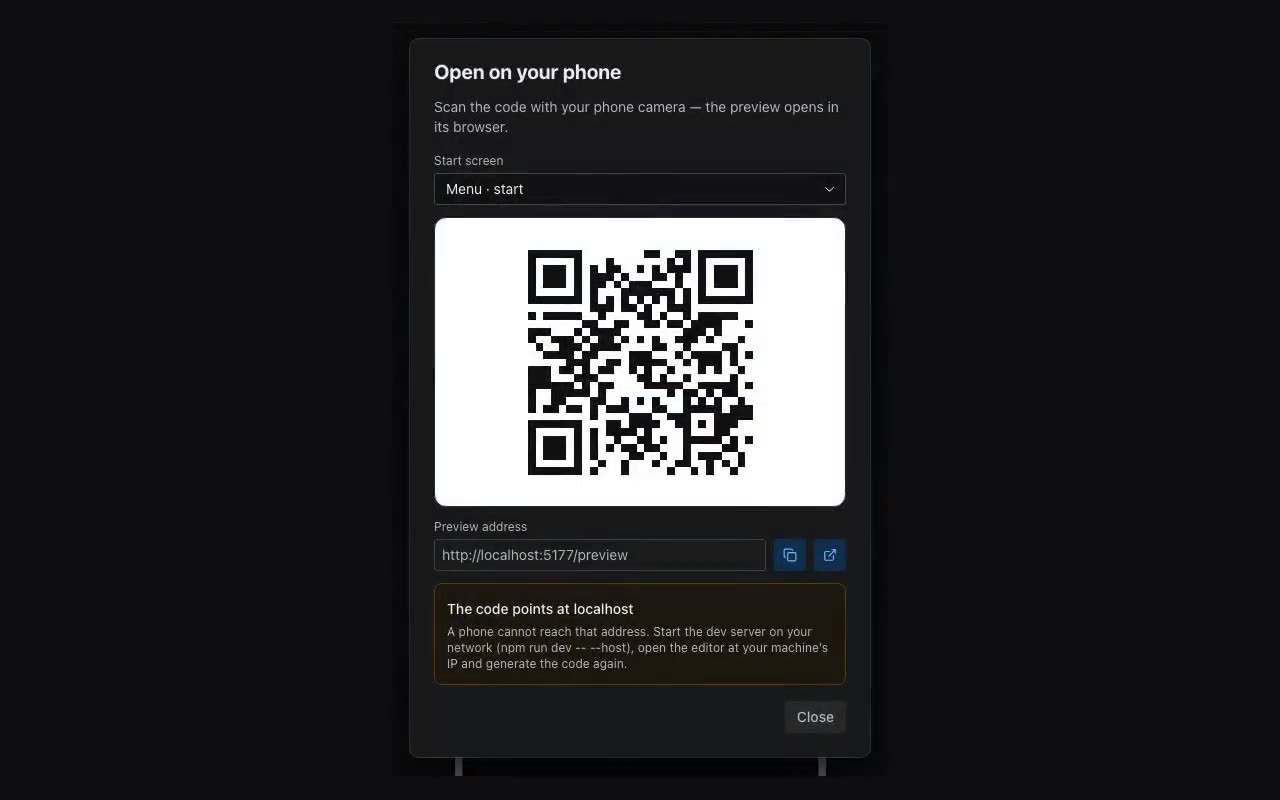
Do not confuse it with QR for phone in the More menu: that one opens preview in your phone’s browser and is for you, not for clients.