The “No way in” badge
In the editor you open a screen from the strip. In Telegram there is no strip — the screen needs a way in.
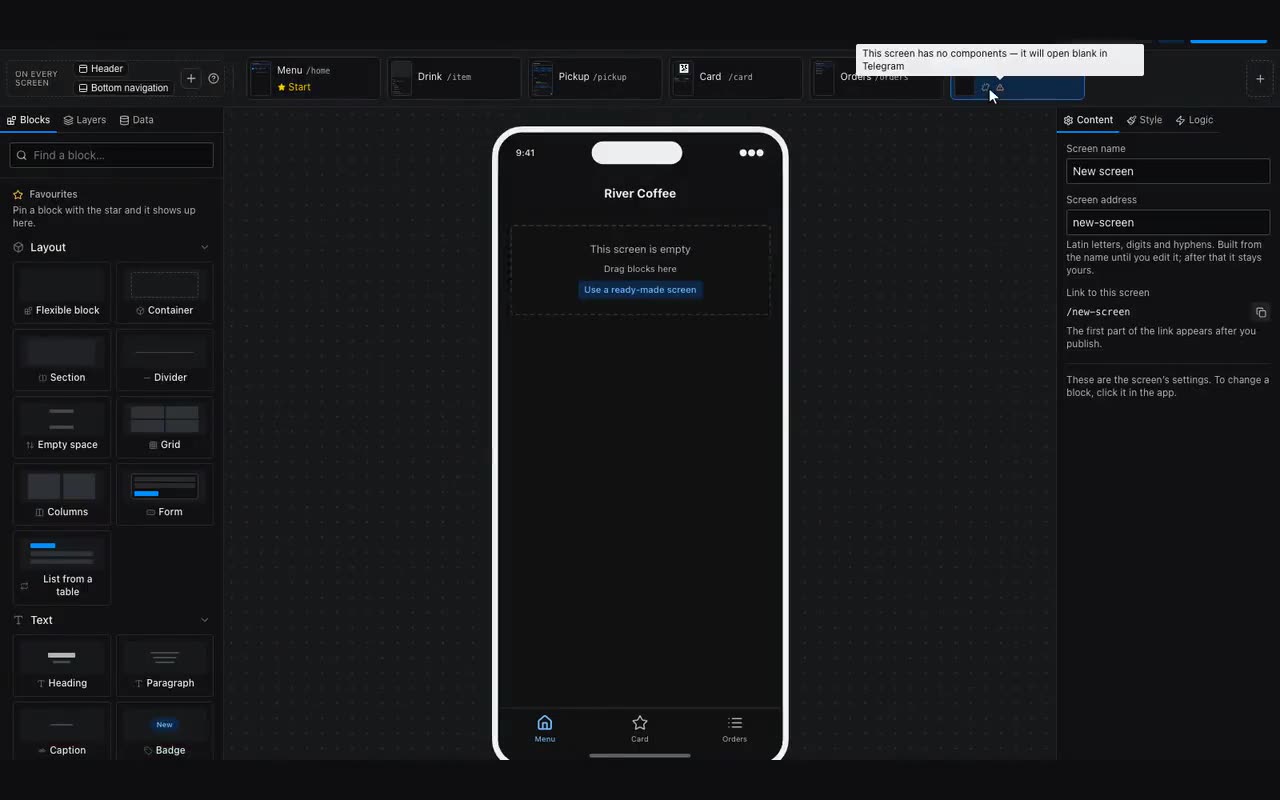
This is the single most common first-app mistake. The screen is drawn, it opens with a click in the editor’s strip — so it looks done. Visitors have no strip: if no button, card or menu item leads there, the screen is unreachable.
The editor marks such a screen “No way in” in the strip. There are three ways to give it one:
- give a button or a card the Navigate to screen action — in the properties on the right, “On tap”, the first row of the Content tab;
- add the screen as an item in the bottom menu;
- attach it to a header icon — the header has an “Right icon opens” property.
Where: To see it all at once, flip the Canvas / Map switch at the top. The map shows screens, the arrows between them, and which screens no arrow reaches.