Case: topping up a catalog from a phone
A “+” button only you can see, and editing rows right inside the app.
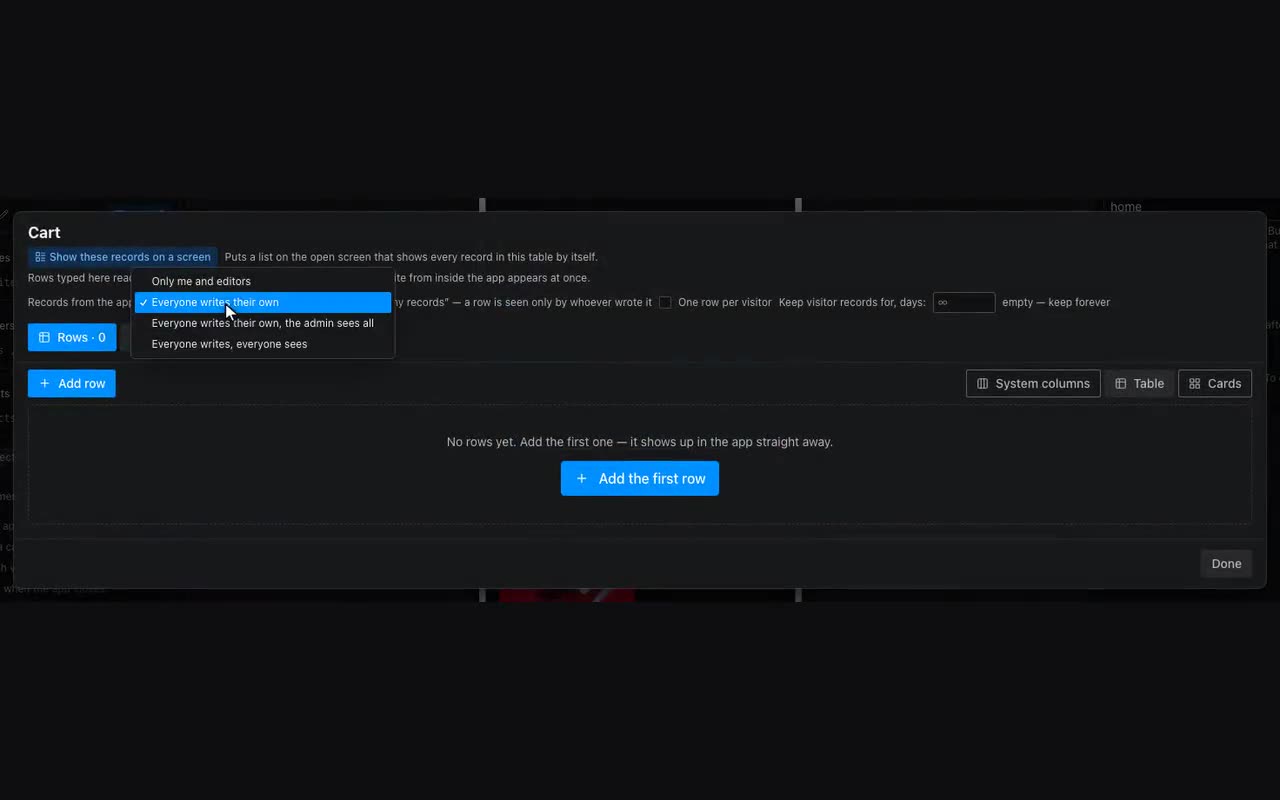
When data changes often — an event listing, a daily menu, stock — opening the editor for one row is a chore. The app can write to its own tables.
- Find your
{{user.id}}: drop a paragraph with that substitution onto a screen, open the app yourself and read the number. - Put a floating action button with “+” on the home screen. Visibility condition:
user.idequals that number. - The button leads to a New entry screen with a form — one field per column, field names matching the column keys.
- The Save button gets Add row: pick the table and the form, and set an “Added” message.
- For editing: on a list card use Fill form from row (the edit screen’s form, row
{{item}}), navigate there, and put Update row on the button. - Deleting: Delete row, with a confirmation question.