Rows added from the app
Top up a catalog from your phone without opening the editor: add, edit, delete.
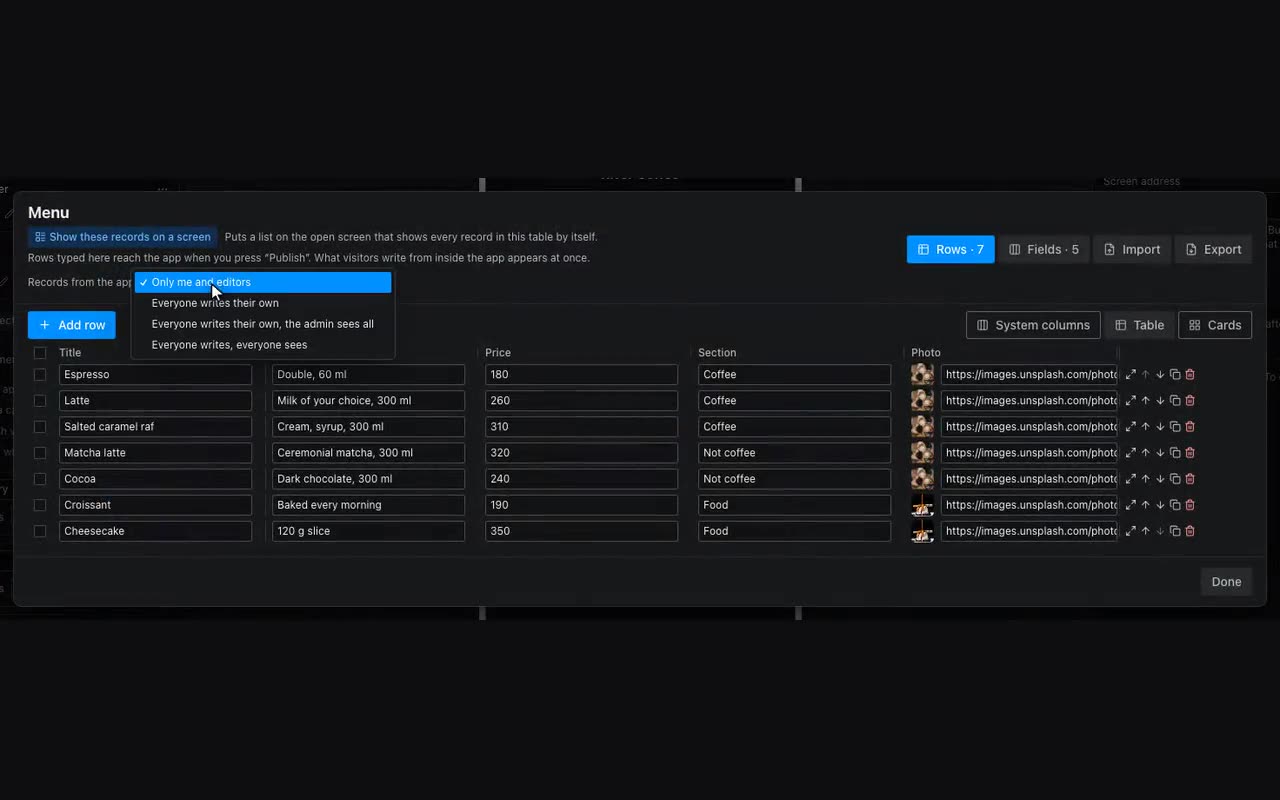
Tables are normally filled in the editor. But a new event is easier to add from a phone while standing in the venue. That is what the Add row, Update row, Delete row and Fill form from row actions are for.
- Drop a form and set its “Table to save into” right away — every field inside then offers that table’s columns in “Field name”, so nothing has to be matched by hand.
- Give the button the Add row action and pick the form. The table can be left empty there — the form’s one is used; a table chosen in the action wins, because the action is what writes the row.
- Hide the “+” button behind a condition — show it only when
{{user.id}}is yours, say. - For editing: on the card use Fill form from row, navigate to an edit screen, and put Update row there.
Such rows are labelled in the table: From the app — created there; Changed in the app — the in-app edit overrides what you typed here, and a button next to it restores your version; Hidden in the app — a document row that was removed in the app; it stays in the table and can be shown again.