Case: an event listing with filters
A list of events, filtering by section, an event page and a Book button.
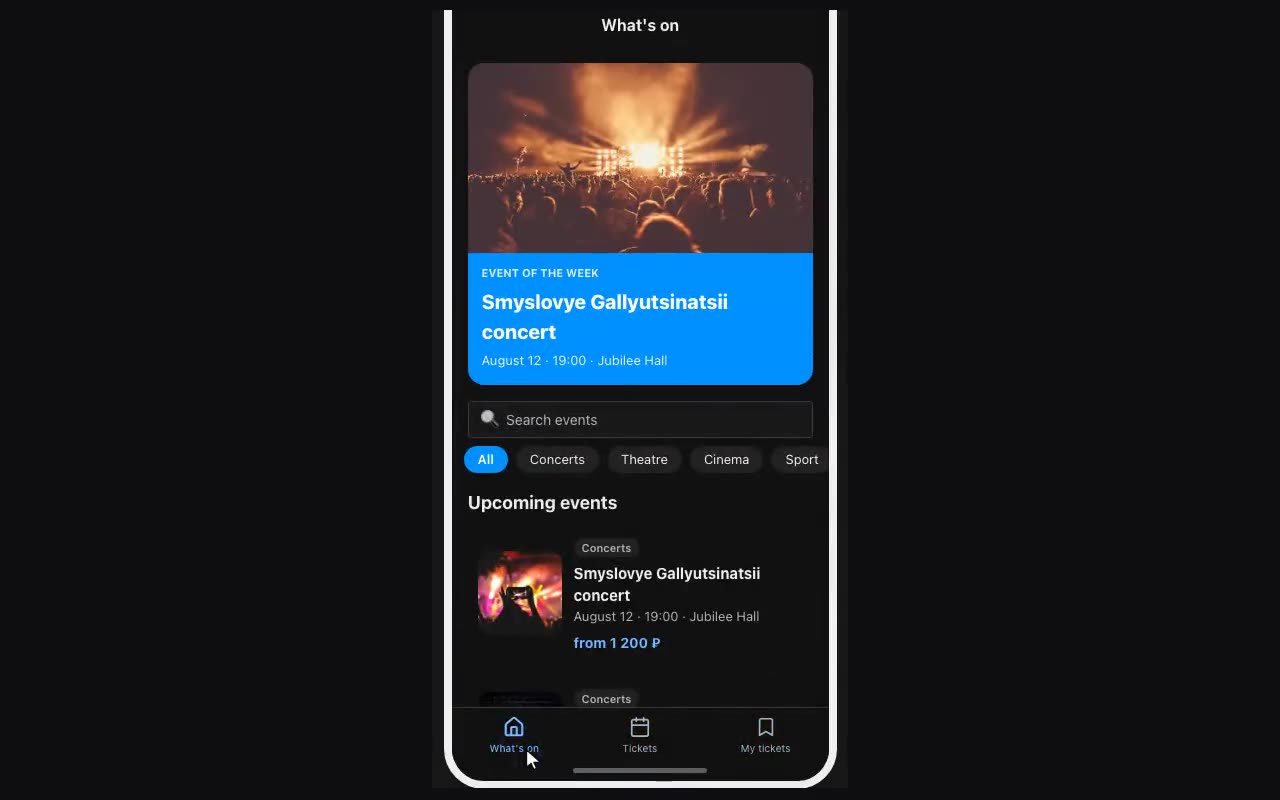
- The table. Events, with columns
title(text),start(date and time),price(number),image(image),category(select — “Concert, Theatre, Sport”),seats(number). - Venues on their own. A second table, Venues, with the address; in Events add a
venuecolumn of type Relation. The address is edited once and flows into every event. - The list. On the home screen, a repeater over Events, sorted by
startascending. Inside the card:{{item.image}},{{item.title}},{{item.start}},{{item.venue.title}}. - The filter. Above the list, Filter chips remembering the choice as
category, options taken from thecategorycolumn, and an “All” chip. On the repeater: filter fieldcategory, value{{category}}. - Upcoming only. The repeater’s second filter: field
start, “after”, value{{now}}. - The event page. Give the card “Remember the tapped row” as
selectedplus navigation to an Event screen. There everything reads as{{selected.title}},{{selected.venue.address}}. - Booking. A form with a name and a phone, and a button with Submit form. A “Sold out” badge — visibility condition
{{selected.seats}}equals0; hide the booking button with the same condition.