Address and directions
Where you are, opening hours and a “Get directions” button.
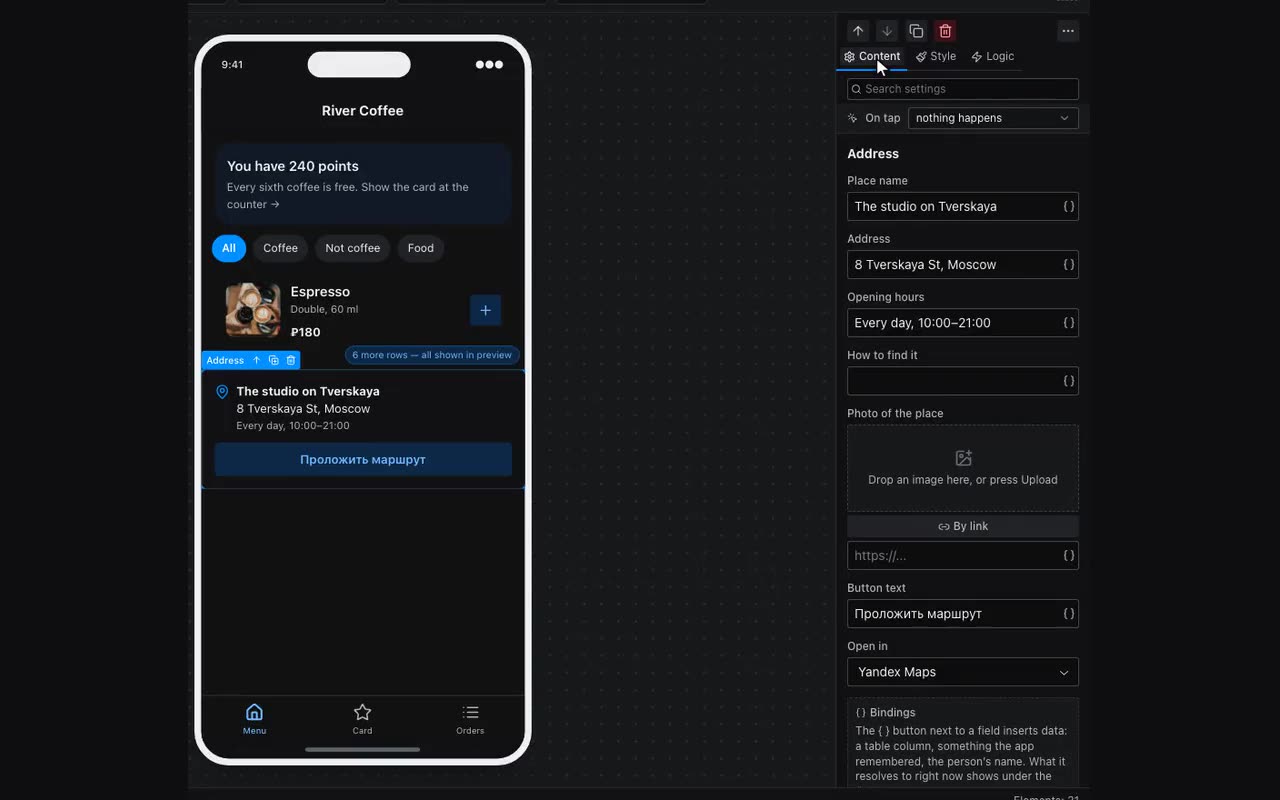
The Address block answers “where is it and how do I get there”: a place name, the address, opening hours, a “how to find it” line and a photo if you upload one. The button opens the map app on the person’s phone — Yandex, Google or 2GIS, your choice — with a route from wherever they are.
The map itself is drawn by the neighbouring Map block — the two are often used together: Address says in words where it is and when it is open, Map shows the spot. A photo is still worth uploading: a picture of the entrance helps more than a map.
The address can come from a table — {{item.address}} inside a repeater, or {{selected.address}} on a detail screen. One block then gives every branch or listing its own route.