Tabs on a single screen
A strip at the top switches the content while the screen stays the same.
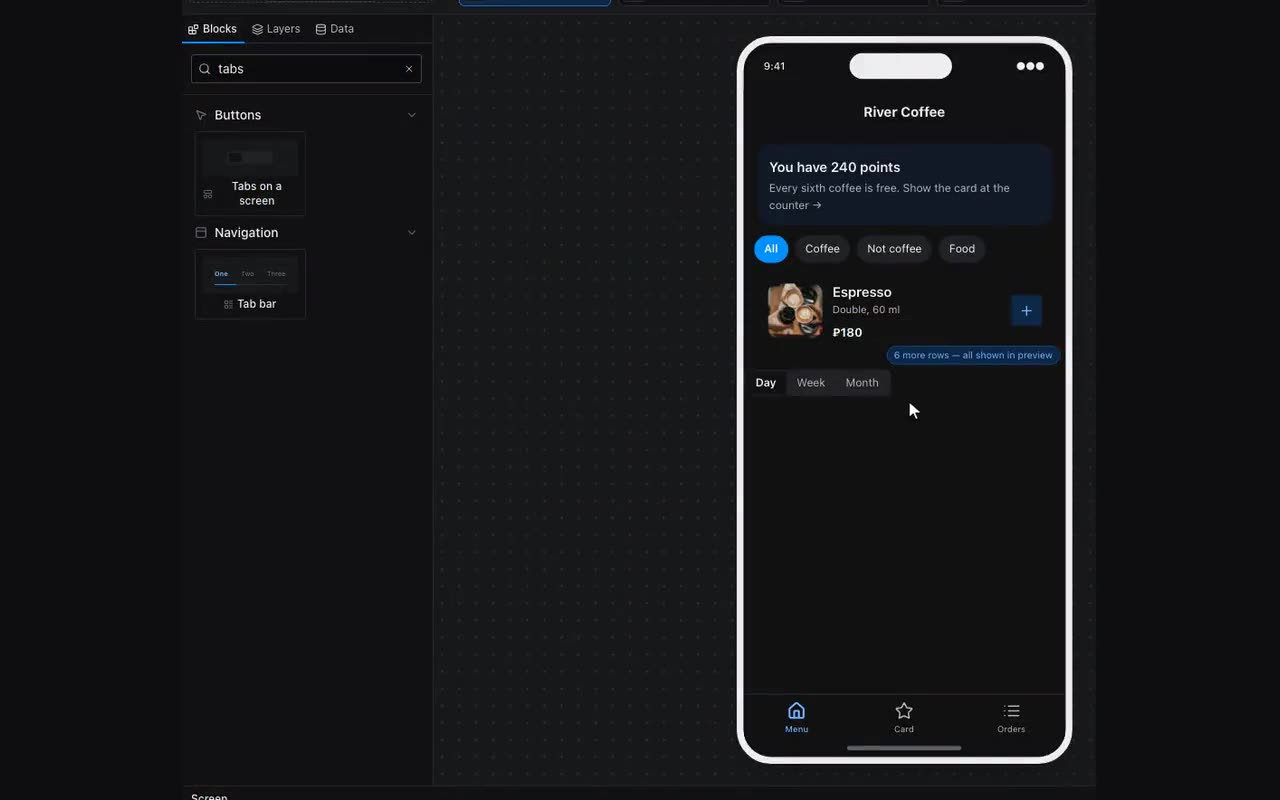
A tab is not a screen but a container shown for its own value. The Tabs on a screen strip remembers the tapped label, and every container carries a visibility condition: “show when what is remembered equals my value”. Match — the container is there; no match — it is not.
- Place the Tabs on a screen block (palette, Buttons) and type the labels separated by commas:
Events, Venues, About. - In the same properties, next to “Name to remember the tab under (use the same in the visibility condition)”, press “+ Remember something new”. The name arrives knowing your tabs and which one opens first.
- Put the content of each tab into its own Container — stacked one under another; they will never show at once.
- Select a container → Logic → Visibility → “Add a condition”: “show when” “What is remembered” is
taband “equals”Events. Repeat for each container with its own label.
The tab’s value is good for more than conditions. If a tab holds a list from a table, separate containers are unnecessary: in the repeater’s filter card set “By which column” to the column and “Which value” to {{tab}}, and a single list shows whatever is chosen.
The Tab bar does the same: its properties carry “What a tap does” — “Opens a screen” (as before) or “Switches on this screen”. In the second case it remembers the item’s label, and the rest is as above — visibility conditions or a list filter.