Case: booking a service
Services, staff, date and time, and a request to you in Telegram.
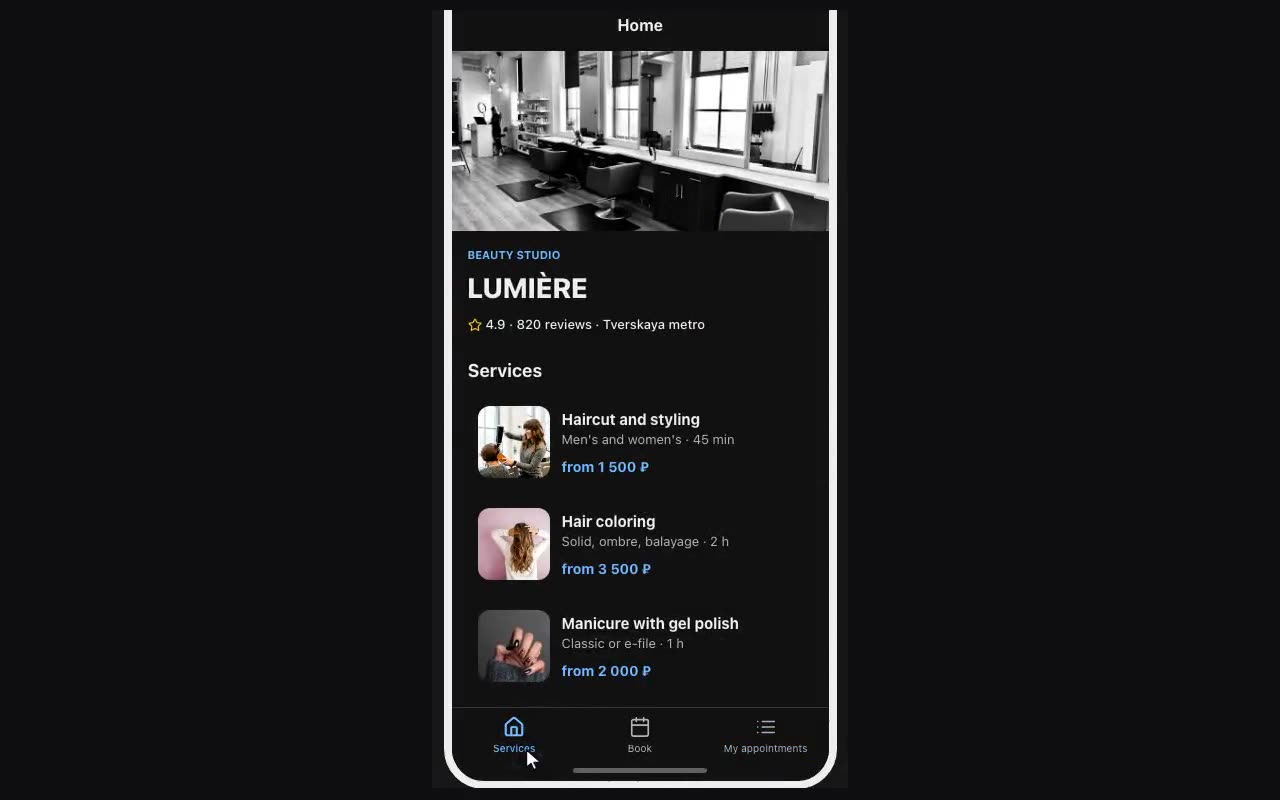
- Tables. Services (
title,price,duration) and Staff (name,photo, plus a relation to Services if each person does their own). - Choosing a service. A list of services; each row gets “Remember the tapped row” into
serviceand navigation to the booking screen. - The booking screen. A heading of
{{service.title}}and a form with: name, a date picker, a second picker set to time, and a dropdown of staff whose options come from the Staff table column. - The phone number. An “Ask for phone” button — Telegram shows the consent dialog itself, the number lands in
{{user.phone}}and travels with the request. Show the button conditionally: whileuser.phoneis not filled. - Sending. Submit form → the “Request received” message → navigation to a Done screen. The request reaches you in Telegram and lands in Submissions.