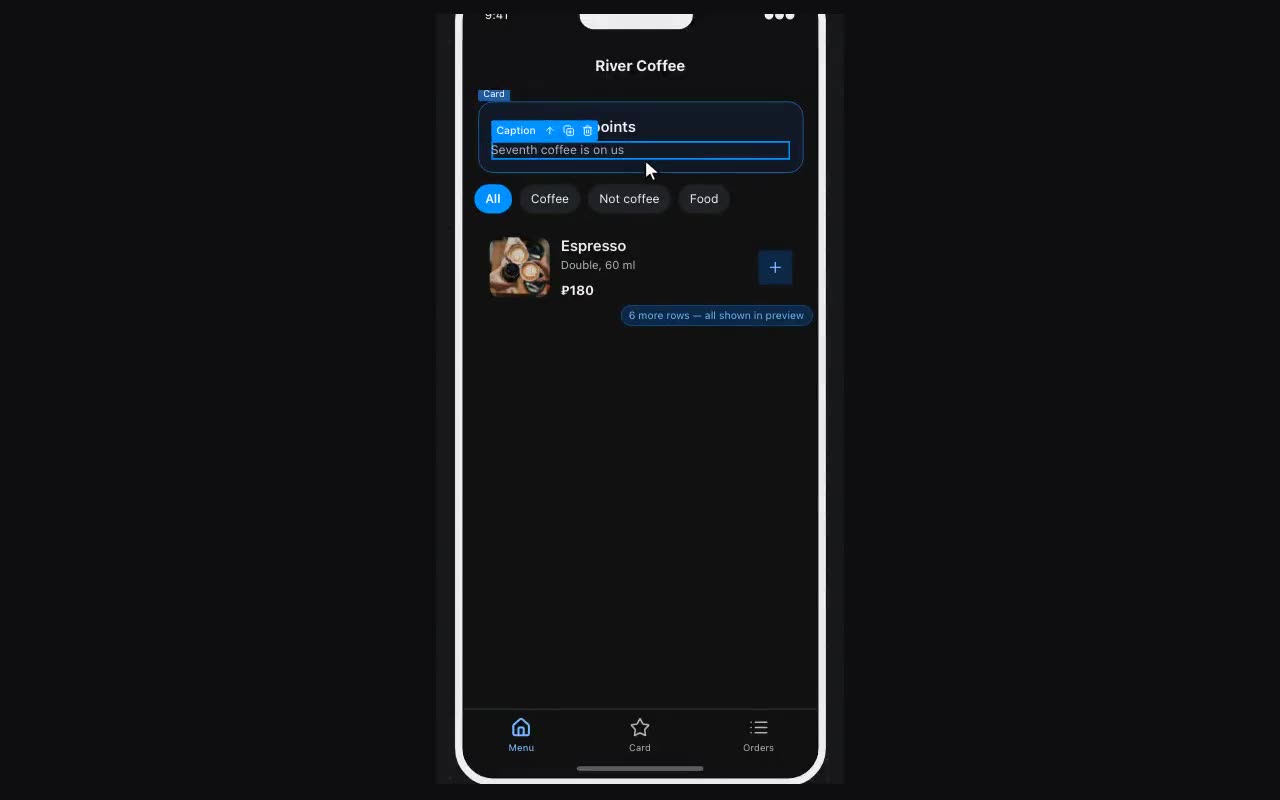
Your first app in one sitting
The short road from a blank canvas to a button in your bot — seven steps.
- Start from a template. More → Templates → Apps tab. A template works out of the box: every screen already has a way in. Starting blank is fine too, but reshaping a template beats assembling from nothing.
- Replace the text and images. Double-click text on the canvas to edit it in place. Images change in the properties on the right: Upload or by link.
- Put in your own data. The Data panel on the left → Collection. Products, services, events — one row each. The list on the screen starts showing them instead of the samples.
- Check it in preview. The Preview button at the top. Tap around exactly as a visitor would: navigation, forms and cart all work for real.
- Connect your bot. In the Publish dialog there is a field for the token from @BotFather. Without a bot there is nowhere for the app to open from.
- Publish. The Publish button. The app gets an address, and the menu button inside the chat with your bot is attached to it automatically.
- Open your bot in Telegram and tap the menu button. That is exactly what your clients will see.